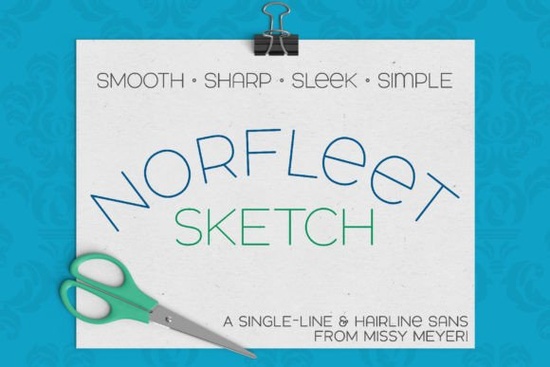
If you're looking for a clean, modern font that stands out with minimal detail and maximum impact, Norfleet Sketch (single Line) Font is worth exploring. It’s designed from the ground up as a single-line typeface perfect for projects that need a sleek, hand-drawn feel without the clutter. Whether you're crafting, designing for print-on-demand, or working on custom signage, this font brings a refined touch to your work.
What Makes Norfleet Sketch Different?
Unlike regular fonts that use filled outlines, Norfleet Sketch is built as a continuous line no extra strokes, no hidden details. This means it's ideal for tools that draw with a single path: sketch pens, foil quills, engraving machines, infusible ink pens, and even Glowforge scoring. The result? A smooth, flowing look that feels intentional and artistic.
There are two versions in the package: Norfleet Sketch One and Norfleet Sketch Two. The difference isn’t just in the name it affects how you use them.
Which Version Should You Use?
- Norfleet Sketch One is a true single-line font. Each letter is one continuous stroke. If you’re using advanced vector software like Adobe Illustrator, Inkscape, or Affinity Designer, you can adjust it manually like removing the connecting line between start and end points. Great for precision work, especially in CNC programs such as Rhinoceros.
- Norfleet Sketch Two is a hairline version. The lines are so thin they almost disappear, creating a near-invisible outline. This version works straight out of the box in most design apps Silhouette Studio, Cricut Design Space, CorelDRAW, and more. No tweaking needed. Just type, cut, and go.
If you're unsure which one fits your setup, check the included PDF guide. It walks you through selecting the right version based on your software and project type.
Best Uses for This Font
This font shines when used in creative projects where line quality matters. Think:
- Custom stickers and decals
- Handmade cards and invitations
- Engraved wooden signs or metal plaques
- Foil stamping with a quill pen
- Infusible ink designs on apparel
- Glowforge scoring for layered paper or leather
It’s also great for pairing with other fonts. Because it’s simple and balanced, it complements bold serifs, playful scripts, or even minimalist sans-serifs. Try it alongside Bouldy, Bourgueil, or Adventure for a dynamic contrast that still feels cohesive.
Why Not Use It Like a Regular Font?
Important note: Norfleet Sketch isn’t meant for word processing, standard printing, or basic cutting tasks. It’s not a replacement for outline fonts in documents or bulk printing. Instead, it’s built for specialized tools that trace a single path. Using it in the wrong context may lead to unexpected results like disconnected letters or gaps in the stroke.
Also, due to known limitations, single-line fonts might not work reliably in Brother Canvas Workspace. If you’re using that platform, stick with the hairline version (Two).
How to Get the Most Out of Your Download
When you download Norfleet Sketch, you’ll get both versions in multiple formats OpenType (.otf), TrueType (.ttf), and sometimes SVG. Make sure to install both versions so you have options depending on your tool and software.
For best results:
- Check your software’s compatibility before choosing a version.
- Use the included PDF guide to troubleshoot common issues.
- Test a small piece first especially if you’re new to single-line fonts.
- Keep backup files in case of software updates.
Looking for more clean, modern fonts with similar vibes? Explore minimalist sans-serif fonts for a consistent aesthetic across your brand or craft projects.
Want to see what others are doing with this font? Check out Norfleet Sketch Single Line Font on Creative Fabrica for real-world examples and inspiration.
Before you jump in, take a moment to review your tools and software. That quick check will save time and help you get the clean, elegant results this font was made for.
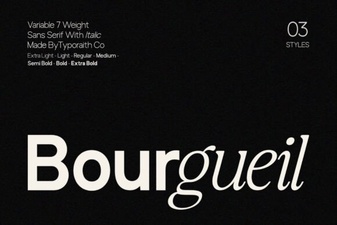 Bourgueil Font: Elegant Typography for Creative Projects
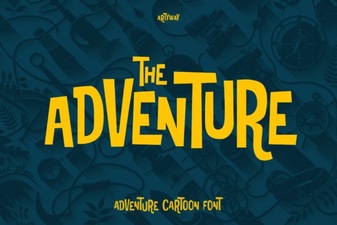 Adventure Font for Bold Design & Creative Projects
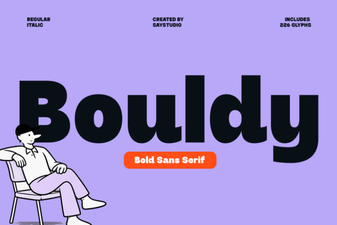 Bouldy Font: Bold Typography for Creative Projects
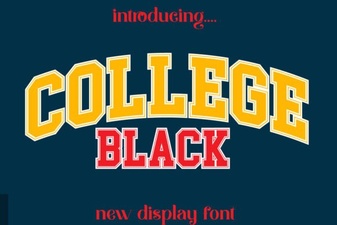 Bold College Black Font for Impactful Design Projects
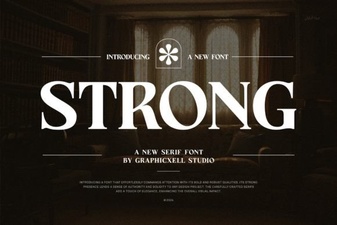 Strong Font: Bold Design Ideas for Impactful Typography
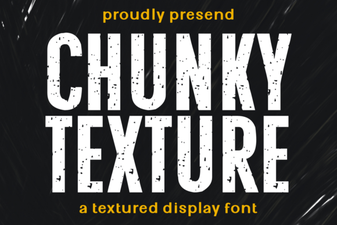 Chunky Texture Font for Bold Design Projects